Thank you for voting us Best of St. Augustine!

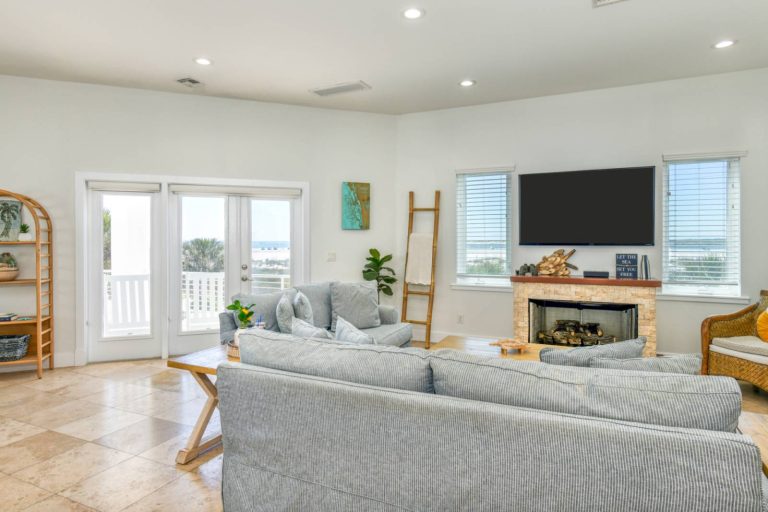
Providing TV service in your vacation rental can feel like a balancing act. Guests expect entertainment and access to local channels, but traditional cable packages can cost $100–$150+ per month per property—a major expense that eats into your bottom line.
The good news? There are far more cost-effective, flexible options available today that still deliver a great guest experience.
Here’s a breakdown of the best strategies for owners looking to save money while keeping guests happy.
Streaming devices are one of the most affordable and scalable solutions for vacation rentals.
Popular options include:
Most devices cost $25–$80 one-time, with no monthly fees. Roku Streaming Stick models start as low as ~$25, making them ideal for outfitting multiple bedrooms affordably.
Many hosts prefer Roku specifically because of its guest-friendly interface and “Guest Mode,” which automatically logs users out after checkout—reducing account security issues and turnover hassle.
If you want to offer live TV (including sports and local news), streaming services are the closest replacement for traditional cable.
Top options include:
These services typically cost $40–$90/month, which is often still cheaper than cable and doesn’t require equipment rentals.
One of the biggest advantages of modern streaming setups is access to completely free live TV channels.
Platforms like:
…offer hundreds of live channels, including news, movies, and some sports—at no cost.
For many properties, this alone satisfies the majority of guest needs.
If local channels are a priority, a digital antenna is one of the most cost-effective solutions.
Many hosts pair antennas with streaming devices to offer both:
👉 “Traditional” live TV feel + modern streaming options
You might wonder: should you just rely on Smart TVs?
While Smart TVs can work, many hosts still prefer external streaming devices because:
In fact, standardizing devices across all TVs can reduce confusion and guest support calls.
For most properties, a hybrid approach works best:
Living Room (Primary TV):
Bedrooms:
Bonus Add-On:
This setup keeps upfront costs low while still offering flexibility and convenience.
Today’s guests generally expect TVs in the main shared living spaces and primary sleeping areas, but not necessarily in every room.
Most guest expectations include:
For many owners, focusing on high-quality, easy-to-use TVs in the most important spaces provides the best balance between guest satisfaction and cost control.
Today’s guests don’t expect traditional cable—but they do expect easy access to entertainment.
By switching to streaming-based solutions, owners can:
The key is keeping things simple, intuitive, and consistent across your property.